
There is no universal best ecommerce platform for SEO. Shopify reduces infrastructure ownership. WooCommerce offers WordPress-level control with more maintenance. BigCommerce supports hosted and headless storefronts. Adobe Commerce suits complex catalogues when an engineering team owns releases. The best choice is the operating model your business can maintain, verify and improve without losing product truth.
This comparison is for Indian ecommerce and D2C teams choosing a new platform or questioning an existing one. It does not use a fabricated platform score. A feature only creates value when the active storefront renders it correctly and someone remains accountable after launch.
Best ecommerce platform for SEO by operating fit
| Store and team state | Strong candidate | Why it can fit | Responsibility the team accepts |
|---|---|---|---|
| Small or mid-sized team that wants hosted operations | Shopify | platform manages core infrastructure and supplies common search controls | theme, app, catalogue and content output still need review |
| Content-led store with WordPress capability | WooCommerce | substantial control over content, templates, URLs and extensions | hosting, updates, security, conflicts and performance |
| Hosted commerce team with complex catalogue or headless plans | BigCommerce | catalogue APIs plus hosted and custom storefront choices | active Stencil, Catalyst or custom frontend output |
| Large or complex catalogue with dedicated engineering | Adobe Commerce or Magento Open Source | detailed catalogue, store-scope and release controls | architecture, hosting, development, testing and operational cost |
These are starting conditions, not rankings. A well-run Shopify store can outperform a poorly maintained WooCommerce build. A custom headless implementation can provide precise control or remove essential metadata, links and schema. Platform potential and live execution are different facts.
Compare platforms through nine SEO ownership questions
Before reading a feature list, write down the answers to these questions:
- Catalogue: How many product types, categories, variants, attributes and inventory states must remain accurate?
- Storefront: Does the platform render the customer-facing HTML, or will a separate frontend team own it?
- URLs: Who controls paths, redirects, canonicals and retired addresses?
- Product data: Where do names, identifiers, prices, availability, schema and feeds originate?
- Performance: Who owns hosting, theme code, media, cache and third-party scripts?
- Editorial system: Can the team publish decision content and connect it to categories and products?
- Maintenance: Who handles platform, app, plugin, theme and security changes?
- India operations: Can the store keep current payment, fulfilment, tax, return and product facts visible?
- Migration: What URLs, links, data, templates and measurement history must survive a move?
The best ecommerce platform for SEO is the one whose responsibilities match the people, budget and release process that actually exist. Do not choose an open system for control if no one can maintain it. Do not choose a hosted system for simplicity if the business requires changes the storefront cannot support.
Shopify: strong when hosted operations matter
Shopify's official SEO overview explains the common search surfaces the platform supplies, including editable title and description fields, canonical behavior and generated sitemaps, as well as the work that remains with the merchant.
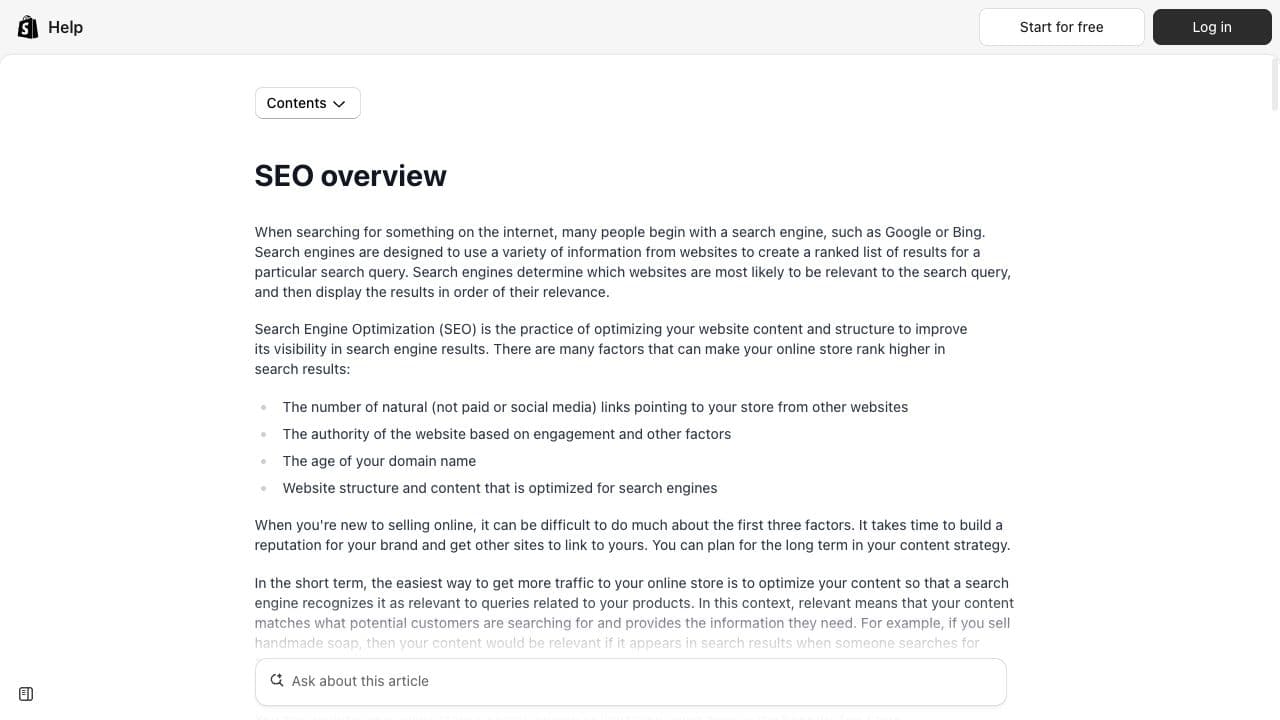
Shopify can fit a D2C team that wants to spend more time on catalogue, merchandising and content than server management. The tradeoff is that the platform sets URL conventions and the live result depends on the chosen theme and apps. An app that writes schema, metadata or internal links can overlap with theme output.
Choose Shopify when:
- the team wants a hosted commerce model;
- standard product and collection routes can support the architecture;
- developers can review Liquid or theme output when needed;
- app ownership is documented and kept small;
- complex custom storefront requirements do not justify another model.
Before deciding, inspect a real candidate theme on mobile. Check collection-to-product links, pagination, product variants, structured data, image delivery and cart behavior. Confirm which app or theme owns each search-facing output. The Shopify SEO guide owns implementation depth, while the Shopify SEO tools guide explains how to keep the app stack controlled.
Shopify is not automatically faster or easier in every build. A heavy theme, overlapping apps and marketing scripts can create performance and output conflicts. Hosted infrastructure removes some work, not all SEO responsibility.
WooCommerce: strong when the team can own WordPress
WooCommerce adds commerce records and buying functions to WordPress. This gives a content-led store substantial control over categories, products, templates, extensions and editorial relationships. It also means the result depends on hosting, WordPress core, WooCommerce, the theme and every active extension.
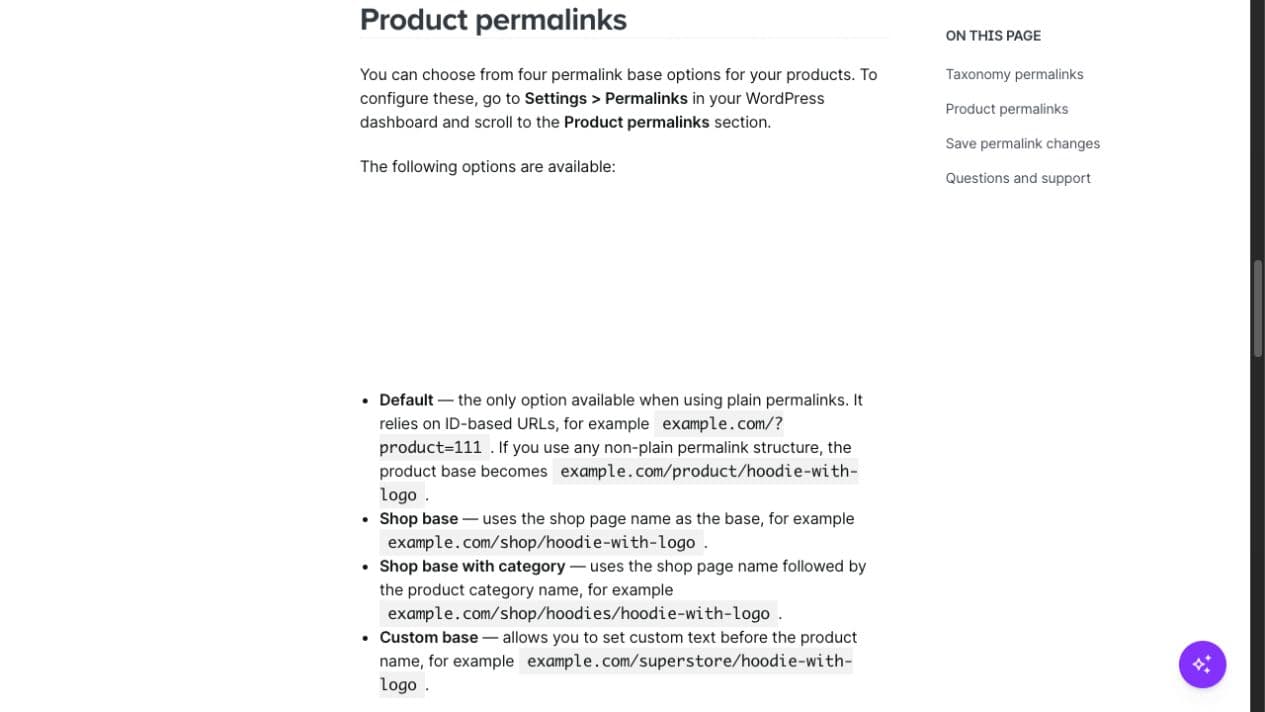
WooCommerce can fit a team with WordPress development and maintenance capability. Its control is useful for a store that needs a rich editorial system or custom catalogue relationships. The same control becomes a liability when updates, security, database work, cache and plugin conflicts have no owner.
Choose WooCommerce when:
- WordPress is already a maintained business system;
- the content team needs flexible editorial structures;
- a technical owner can test updates and extension conflicts;
- hosting and performance responsibility are understood;
- custom control has a clear business reason.
Do not select WooCommerce because a comparison page calls it the “best for SEO.” Confirm the active theme's HTML, product-data output, category routes and buying path. Decide which extension owns metadata and Product JSON-LD. The WooCommerce SEO guide maps those output owners in detail.
WooCommerce's open model does not guarantee clean URLs, fast pages or valid schema. It gives the team more places to make those decisions.
BigCommerce: strong when catalogue APIs and storefront choice matter
BigCommerce supports multiple storefront approaches, including Stencil, its React-based storefront framework and custom headless frontends. The catalogue may remain on the same platform while the delivered HTML, navigation, metadata, schema and performance differ substantially between storefronts.
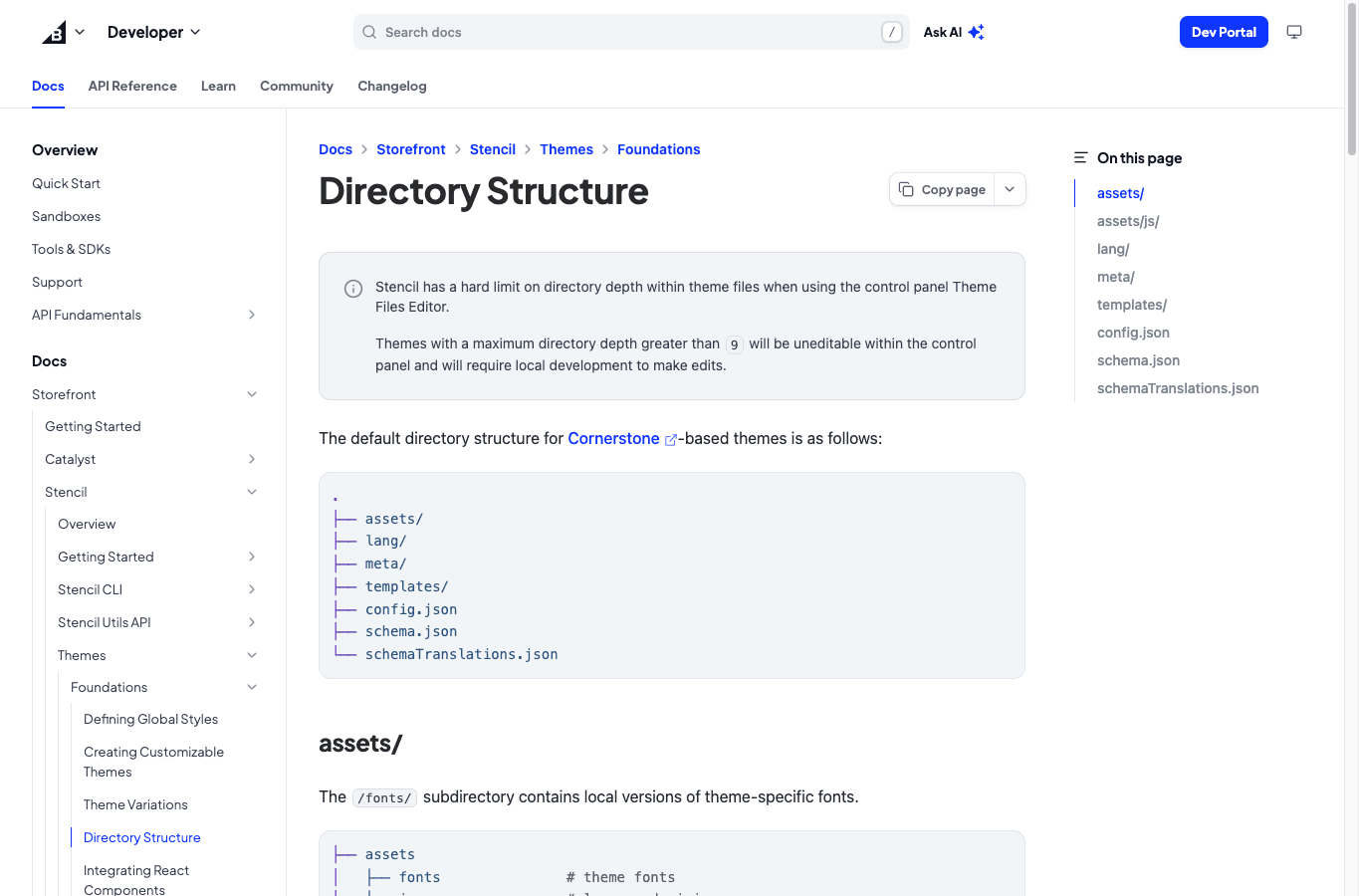
This can fit a team that needs a hosted commerce backend with stronger storefront or API choices. A Stencil store still requires theme and app review. A headless store transfers more responsibility to frontend engineering.
Choose BigCommerce when:
- catalogue and integration requirements match its commerce APIs;
- the team has selected a clear storefront model;
- engineering can own rendering when using headless architecture;
- product, feed and frontend teams can keep data consistent;
- release acceptance includes the rendered customer experience.
Do not evaluate BigCommerce from an admin demonstration alone. Inspect the active storefront. Check whether products are reachable through crawlable links, how variants and prices render, which JSON-LD is present and whether redirects and sitemaps match the intended URLs. The BigCommerce SEO guide separates catalogue capability from storefront output.
Headless provides implementation freedom, not an automatic search advantage. The headless commerce SEO guide covers the additional rendering and release responsibilities.
Adobe Commerce and Magento: strong when complexity is justified
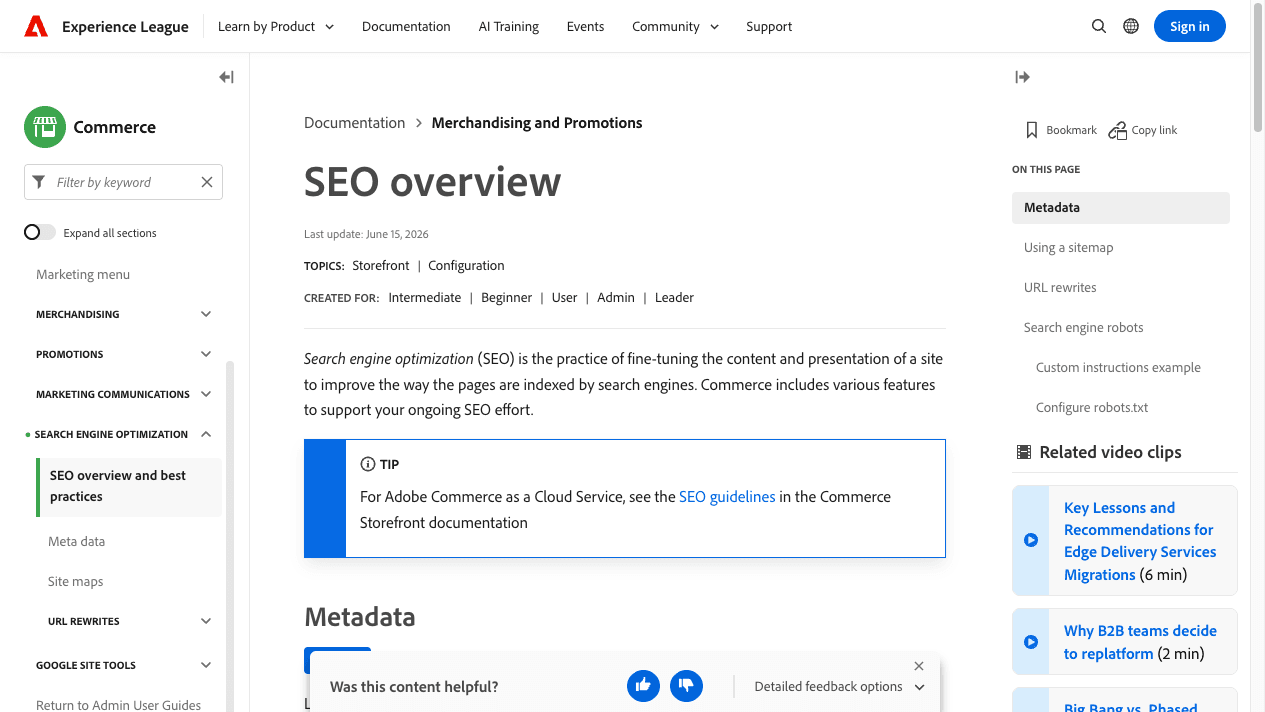
Adobe Commerce documents detailed search controls, including URL rewrites, metadata, canonical settings, sitemaps and robots configuration. Magento Open Source and Adobe Commerce can suit complex products, multiple store views or custom operating requirements, but that depth requires capable architecture, development, hosting and release management.
Choose Adobe Commerce or Magento when:
- catalogue relationships and store scopes justify the architecture;
- a dedicated engineering team owns the application and storefront;
- URL rewrites, indexing controls and product-data releases are tested;
- infrastructure and caching are operated as production systems;
- the budget covers long-term maintenance, not only initial development.
Do not select Magento because the catalogue is “large” according to an arbitrary product threshold. Complexity includes variants, customer groups, store views, integrations, fulfilment and release requirements. A smaller but highly configured catalogue may need more control than a larger simple one.
Inspect the exact edition, storefront and hosting model. Adobe documentation describes available controls, but custom modules and themes determine the live result. The Magento SEO guide gives a release-safe sequence for URLs, layered navigation, product data and caching.
Compare documented capability with rendered reality
A platform demonstration can prove that a field or setting exists. It cannot prove what a customer's browser or search crawler receives after the theme, plugins, apps, custom code, cache and product feeds have acted.
For each shortlisted platform, build the same acceptance sample:
- one parent category and one child category;
- one simple product and one multi-variant product;
- one discounted offer and one unavailable state;
- one filter combination and a deeper pagination path;
- one supporting guide connected to a commercial owner;
- cart, checkout, account and policy routes.
Record the response, index instruction, canonical, H1, crawlable links, visible product facts and structured data. Test mobile interaction and the buying path. Then identify which role owns every failed check. This small evidence set is more useful than a generic platform score.
India and D2C requirements can change the decision
An Indian D2C store may need accurate GST presentation, UPI or cash-on-delivery choices, pin-code serviceability, delivery windows, pack sizes, marketplace relationships and return terms. These facts can sit across product records, apps, logistics systems and the storefront.
Ask each platform candidate:
- Can the current offer remain consistent across visible pages, schema and feeds?
- Can fulfilment and payment information appear where the buyer needs it without creating thin location pages?
- Can merchandising teams maintain categories and product eligibility without developer tickets for every change?
- Can support and operations update policies without breaking templates?
- Can the mobile buying path tolerate the required payment, analytics and marketing scripts?
The platform with the longest feature list may be the wrong choice if routine Indian commerce updates require slow custom releases. A simpler platform may be wrong if critical product relationships cannot be represented accurately.
Do not migrate only for a claimed SEO advantage
A platform migration changes more than software. It can change URLs, navigation, internal links, category eligibility, product states, structured data, feeds, performance, analytics and checkout behavior.
Before approving a move:
- Define the current constraint with evidence.
- Confirm that the target platform or storefront can resolve it.
- Inventory current URLs, links, templates, schema, feeds and page-group performance.
- Build and test a one-to-one redirect map for valuable changed addresses.
- Compare representative pages before launch.
- Crawl old and new URL sets after release.
- Monitor affected page groups rather than one site-wide average.
If the current problem is a poor theme, conflicting app or weak category system, a full migration may add risk without resolving ownership. The ecommerce SEO migration guide owns the detailed change-control process.
Platform selection questions
Which ecommerce platform is best for SEO?
No platform is universally best. Shopify can fit teams that want hosted operations, WooCommerce suits teams that can maintain WordPress, BigCommerce supports hosted and headless storefront choices, and Adobe Commerce fits complex requirements with dedicated engineering.
Is WooCommerce better than Shopify for SEO?
WooCommerce provides more WordPress-level control, while Shopify owns more infrastructure. WooCommerce is a better fit only when the business needs that control and can maintain hosting, themes and extensions. Shopify can be better when hosted operations match the store's requirements.
Can Shopify stores rank for competitive product searches?
Yes, a Shopify store can compete when its collections and products satisfy demand, remain crawlable and provide consistent evidence. Platform eligibility does not guarantee ranking. Theme output, content, internal links, product data, authority and competition still matter.
Is headless commerce better for SEO?
Headless commerce provides frontend control, not an automatic advantage. The implementation team becomes responsible for rendering, metadata, canonicals, navigation, structured data, sitemaps, performance and reliable releases.
Does the ecommerce platform affect AI-search visibility?
The platform affects whether product entities, relationships and answers reach accessible HTML and consistent data feeds. No platform, schema type or content format guarantees an AI mention or citation. Clear product truth and maintained evidence matter more than the platform name.
Choose the operating model before the platform name
Shortlist platforms only after the team, catalogue, storefront and release responsibilities are explicit. If you need an evidence-led comparison of your current store and target architecture, request a platform selection review. We will map the search outputs, owners and migration risks before recommending a build.